What makes an office move different
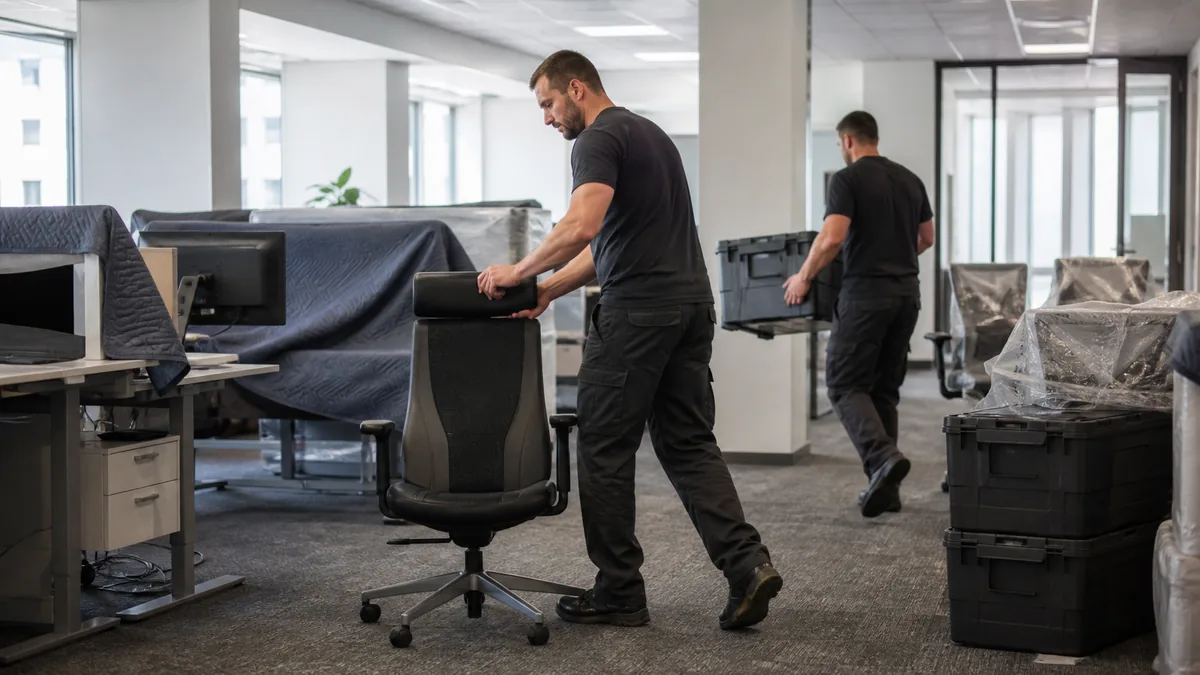
Moving a home is a logistics problem. Moving an office is a logistics problem with a clock attached — every hour the company is not working costs money, and that constraint changes almost every decision you make.
The three things that are genuinely different: you are coordinating people who do not report to you on this, you are moving equipment that holds data worth more than the move itself, and you have a hard deadline you cannot negotiate with. Everything below follows from those three.
How far ahead to start, and who owns it
For a small office of five to ten desks, start six to eight weeks ahead. For a company with servers, a reception, a meeting room and thirty or more people, three to six months is realistic — not because the carrying takes longer, but because the internet connection, the lease and the IT cutover do.
Name one person who owns the move. In a small firm that is the director or the office manager; in a larger one it is a small project team. The point is not seniority, it is that there has to be a single place where decisions land. Moves that go wrong almost always turn out to have had three people each assuming someone else had booked something.
The timeline
Three months out
Strategic decisions only. Inventory everything that exists: furniture, IT, archives, stock, the things in the storeroom nobody has opened in four years. Decide what moves, what is sold or donated and what is destroyed — an office move is the only realistic chance you get to do this.
Get a company in to survey the space and quote. Then go and walk the new premises with a floor plan and decide where things go, because that decision drives the labelling system and the labelling system drives the first day.
Six to eight weeks out
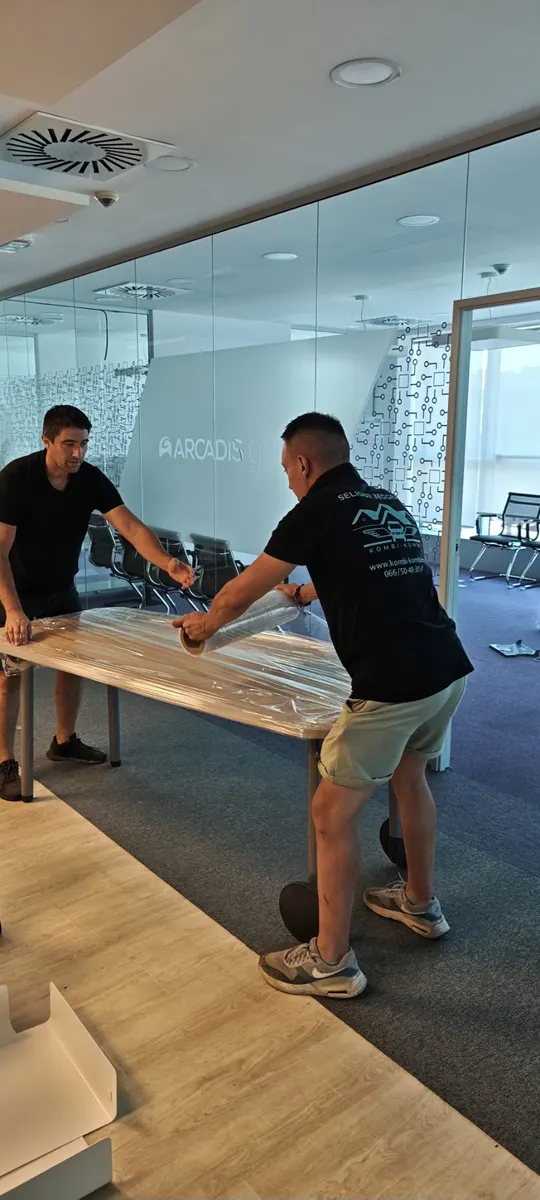
This is the administration block, and it is bigger than people expect. Tell clients, suppliers and partners. Update the address everywhere it appears: Google Business Profile, the website, social accounts, invoice templates, email signatures, business cards. Arrange mail forwarding with the post office.
In parallel, start the IT thread: the plan for the servers, the phone lines and above all the internet connection at the new address. Order that now. An installation that takes three weeks is normal, and there is no workaround on the Monday morning if it is not live.
Two to four weeks out
Pack what nobody needs day to day: archives, decorations, books, stationery stock. Number every box, keep a list of what is in each, and assign it to a room at the new address.
Planning a move?
Tell us what needs moving and we will give you a firm price.
The IT equipment
This is the part where a bad office move becomes an expensive one. The hardware has a replacement cost; the data on it often does not.
Before anything is unplugged
Take a full backup — servers, workstations, network drives, whatever is in the cloud — and keep it somewhere that is not travelling in the van. That last part is the whole point of it.
Then document the network: what connects to what, which cable goes where, the IP addressing, the router and switch configuration. Photograph the back of every machine and every server before you pull a single cable. Nothing else you do that week will save as much time at the other end.
Packing and transport
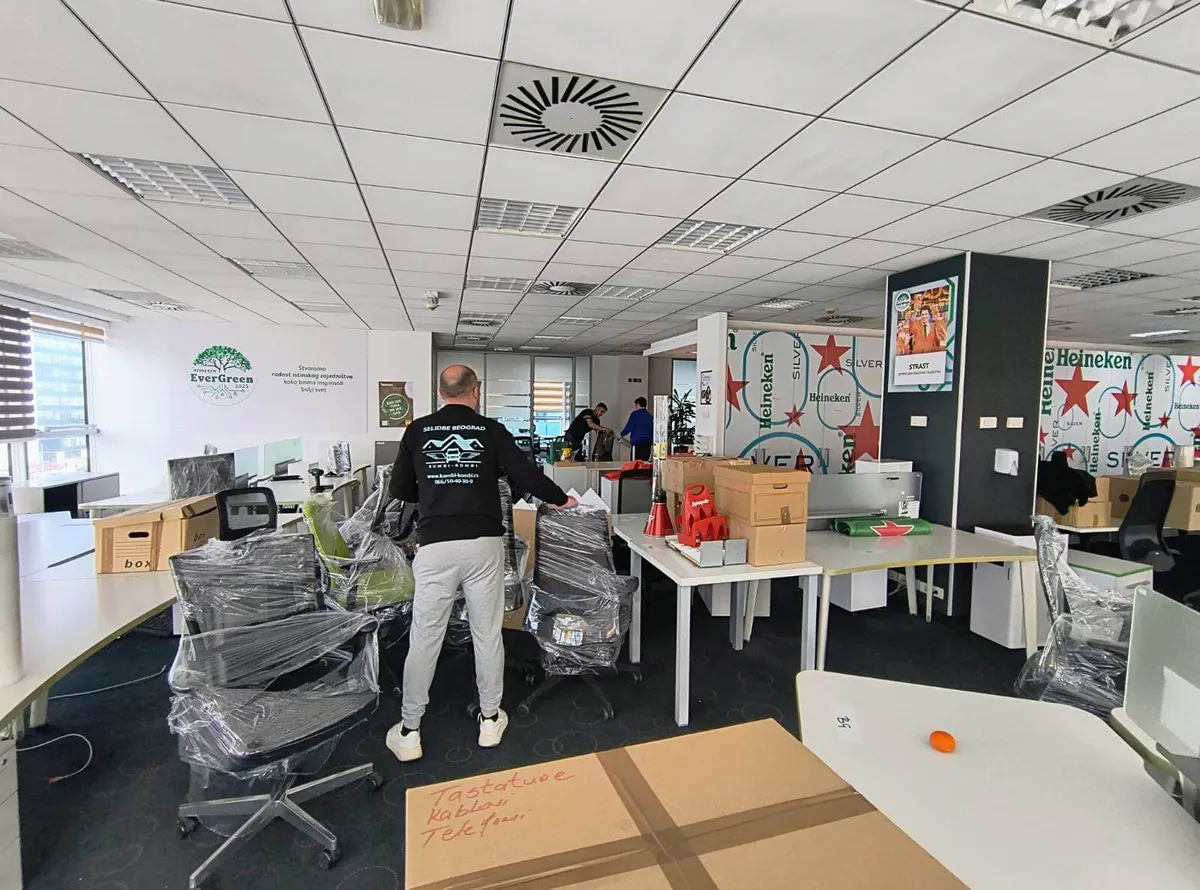
Original boxes where you still have them; otherwise proper electronics boxes with foam inserts. Drives go in antistatic bags. Monitors get card corners and bubble wrap. Shut the servers down properly at least 24 hours ahead so every process finishes cleanly rather than being cut off mid-write.
Label every cable and every port with numbers matching the map you made. This is tedious and it is the single biggest time saver on the other side.

Keeping the business running
Three approaches, and they can be combined.
Move at the weekend
The simplest answer and the one most companies choose. The physical move happens Saturday and Sunday, and people arrive on Monday to a working desk. We work seven days a week precisely because of this.
Move in phases
For larger companies: half the team moves while the other half keeps working, then they swap. It takes longer in total and it costs more, but the business is never fully stopped — which for some operations is the only acceptable answer.
Work from home for a day
If the work allows it, one day of remote work removes the problem entirely. Make sure the laptops, the VPN access and the communication tools are tested before the day, not on it.
Whichever you pick, prepare the new space first. Internet live, phone lines working, cleaning and any building work finished before the first van arrives. The gap between leaving the old space and working in the new one is almost entirely determined by how much of this was done in advance.
Telling the people who work there
Tell everyone as soon as the decision is made, not when the plan is finished. People need the time more than they need the detail, and a team that hears about a move late assumes there is a reason it was kept from them.
Hold a short meeting: why, where, when, and what it means for their daily routine. Pay particular attention to anyone whose commute gets materially longer — flexible hours or a day at home can turn that from a resignation risk into a non-issue, and it is much cheaper to offer it early than to lose someone.
Give people their own boxes and make them responsible for their own desk. Set a clear deadline for everything to be packed and labelled. Some will want a say in the new layout; let them have it, because it is free and it makes the move something happening with them rather than to them.
The first day in the new space
Unloading the van is not the finish line. The first day has a strict order of priority.
First: IT infrastructure and desks. Servers and network equipment, then workstations. Test the internet, email, VPN, printers, phones, shared files and every business application before anyone sits down to work.
Later: decorations, extra shelving, the kitchen. None of it stops anyone working, and all of it can wait a day or two.
Have whoever handles your IT present through the move and the first working day. However carefully it was planned, something in the network configuration, the printers or the business software will need attention, and the cost of that is measured in how fast someone can fix it.
Work from a written test list and tick it off: internet, email, VPN, printers, phones, security systems, shared drives, applications. The space is ready when the list is finished, not when the furniture is in.
What a moving company adds
Companies often try to do this themselves to save money, and for a five-desk office with no server, that can be the right call — the honest comparison is in our guide to hiring a company or doing it yourself.
Above that size, the arithmetic changes. A crew that does this regularly knows how office furniture comes apart and goes back together, how IT is packed and secured, and how to load so that one trip is one trip. The vehicles are equipped for it, and the equipment is insured in transit.
The less obvious benefit is that your own staff are not carrying desks. They stay on their actual work, which is the thing the whole move is supposed to protect, and nobody puts their back out on a Saturday.
The survey is free: we come to the premises, look at what there is, and give you a written price with nothing hidden in it. Call 066/50-40-30-9, or read more about office moving in Belgrade. If the move is to another country, the paperwork side is covered in relocating a company abroad.
Frequently asked questions
How far in advance should an office move be planned?
Six to eight weeks for a small office of five to ten desks; three to six months for a larger company with servers and complex infrastructure. The constraint is rarely the carrying — it is the internet installation, the lease and the IT cutover, all of which have their own lead times.
How do we move without stopping work?
Three options, which combine: do the physical move at the weekend so people arrive Monday to a working desk; move in phases so half the team keeps working; or have everyone work from home for the day. All three depend on the new space being ready first — internet live and phone lines working before the first van arrives.
What is the right way to move servers and computers?
Full backup first, kept somewhere that is not travelling in the van. Photograph the back of every machine before unplugging anything and label every cable. Shut servers down properly at least 24 hours ahead. Pack in original or foam-lined boxes, drives in antistatic bags, and transport IT separately from heavy furniture, strapped down.
Who should pack the desks?
The people who sit at them. Give everyone boxes and materials, set a deadline, and have them label their own things. The crew handles the furniture, the IT and the heavy work; personal desk contents are faster and less contentious when their owner packs them.
What should be working before anyone starts work in the new office?
Internet, email, VPN, printers, phones, security systems, shared drives and every business application. Work from a written list and tick each one off. Decorations, extra shelving and the kitchen can wait — the space is ready when the test list is finished, not when the furniture is in.

Marko Mišulić
KOMBI-KOMBI has been running since 2013, and in that time several thousand homes and businesses have gone through our vans in Belgrade, across Serbia and around Europe. Everything on this blog comes from what our crews actually meet on the job.